Mo-Me Guide
Mo-Me is the revolutionary social network with no ads, and no billionaire owners.
If you’re looking for alternatives to malignant corporate social networks – as part of Media Liberation Day on November 5, or just because you’re fed up and ready for something different – is a great place to start.

Index
- Signing up
- Look around
- Set up your profile
- Find and follow some accounts (but not too many at first)
- Change your mindset!
- There’s a lot more to explore!
Signing up

You can download the Mo-Me app from Google Play or the App Store, or use the web version at http://mo-me.me
To sign up, click on the Create Account button in the app.
Provide your email, choose a username and a password, agree to the terms and conditions, and click on Sign up. Once you’ve done that, you’ll see a screen asking for a four-digit verification code.
Now, check your email, and you should see a message from Mo-Me with the subject OTP Verification Code. if not, check your spam folder. Copy the four-digit verification code from the email, and paste it into the app (or web browser).
You’re in!
Look around
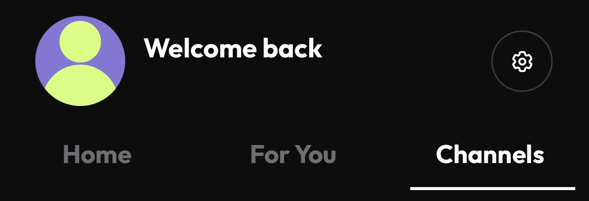
There are three tabs on Mo-Me’s interface:
- Home has the most recent posts from the accounts you’re following – without any algorithms getting in the way. This will be empty when you first sign up, but don’t worry, it’ll get more interesting once you start following people.
- For You is a great way to start following people who are on Mo-Me. This is a feed of other media revolutionaries who have set up Mo-Me accounts!
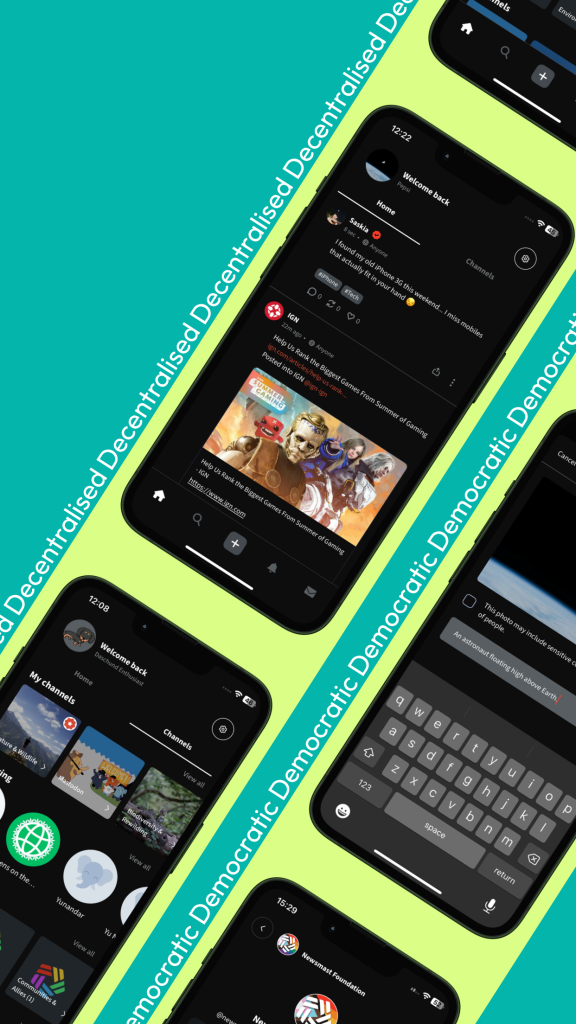
- Channels has dozens of topic-specific feeds – including the Media Revolution Channel where you can get a feed of independent news, plus posts from global campaigns and campaigners!
There’s also News Club Network – where people who host and attend News Clubs around the world can connect and discuss news coverage and what to do about it. Channels are a great way to find content you’re interested in. If you click on the Newsmast channels, for example, you’ll see topics like Climate Change and Activism & Civil Rights

You can click on the 🔍 icon (at the bottom of the mobile app, or in the left-hand menu on the web app) to get to the search page to find accounts, posts, and channels on specific topics. Searching for climate, for example, brings up accounts like the Climate News Now (as well as the Climate Change channel).
It’s also worth having a look at Mo-Me’s Ground Rules and Community Guidelines. Mo-Me’s goal is to have a community where everybody feels safe and respected, and to encourage a diversity of voices. It’s very different than malignant social media, so please keep that in mind!
Set up your profile
Having at least some basic information in your profile can make it easier for friends to find you – and makes it more likely that people you want to follow will accept your requests (and potentially follow you back). It doesn’t have to be fancy, just enough to give people an idea of who you are or what you’re looking for.
You can get to your profile by clicking on the default profile image (at the top left of the home page on the mobile app). From there, you can click on Edit Account to change your profile image, display name, and short bio. (To change the profile image, click on the default image and upload a new photo).
Make a first post
If an account hasn’t posted, people often assume that it’s not real. So it’s a good idea to start by introducing yourself. If you want to let people know you’re here, include the #introduction hashtag – and we recommend saying #HelloMoMe so we know to follow you.
If you’re not ready for that yet, you can just keep looking around and come back to an introduction post later.
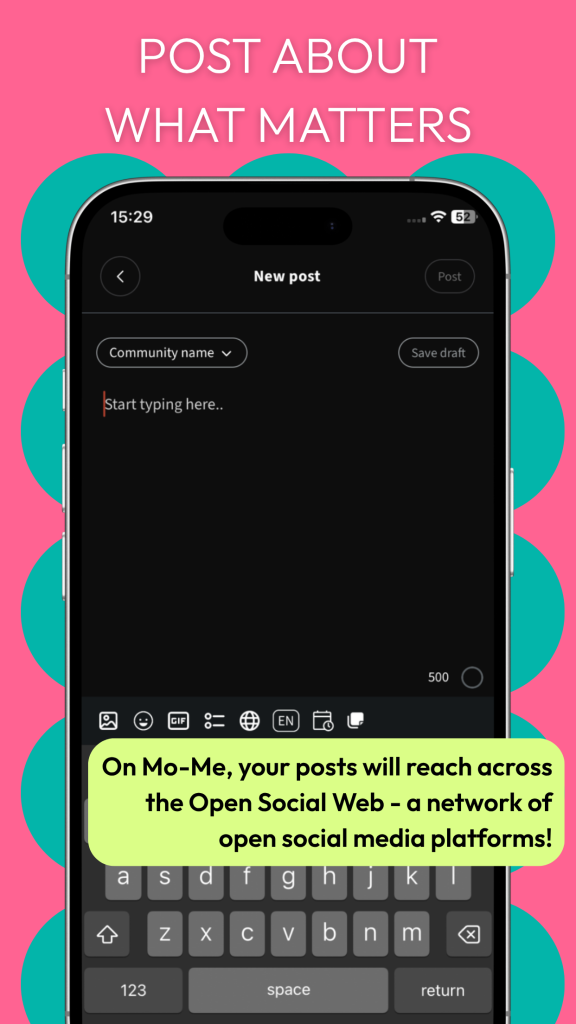
If you’re using the mobile app, click on the + button at the bottom of the home page. If you’re using the web app, the + is in the menu on the left-hand side (and if your screen is wide enough, it will also say New Post).
The toolbar at the bottom of the post has a lot of different options – although if you want to keep it simple, just type your text into the box. Once it’s ready to go, click on Post.
Find and follow some accounts (but not too many at first)
Now it’s time to make your Home feed more interesting!
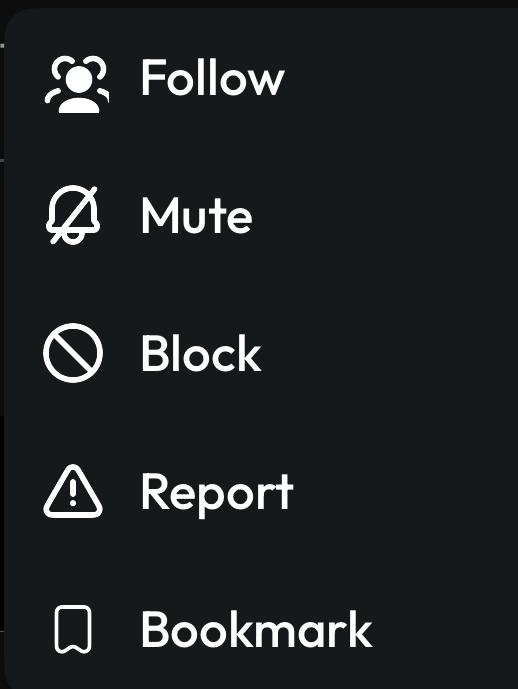
Channels and the For You feed are a good source of interesting accounts. You can click on the three-dots at the bottom right on any post to get to a menu with Follow on it.
If you know people who already have accounts on Mo-Me (or Mastodon, PeerTube, PixelFed or other compatible social networks), you can find them using 🔍 Search. You can follow accounts directly from the Search page (just click on the Follow button), or click on their profile picture to see more details.
Using “Starter Packs” to find more Media Revolutionaries on Mo-Me discusses another good way to find accounts to follow.
Help! I’m stuck!
If you get lost or confused, (or are feeling lonely) simply post with #HelpMoMe and one of our moderators will help you out!
Change your mindset!
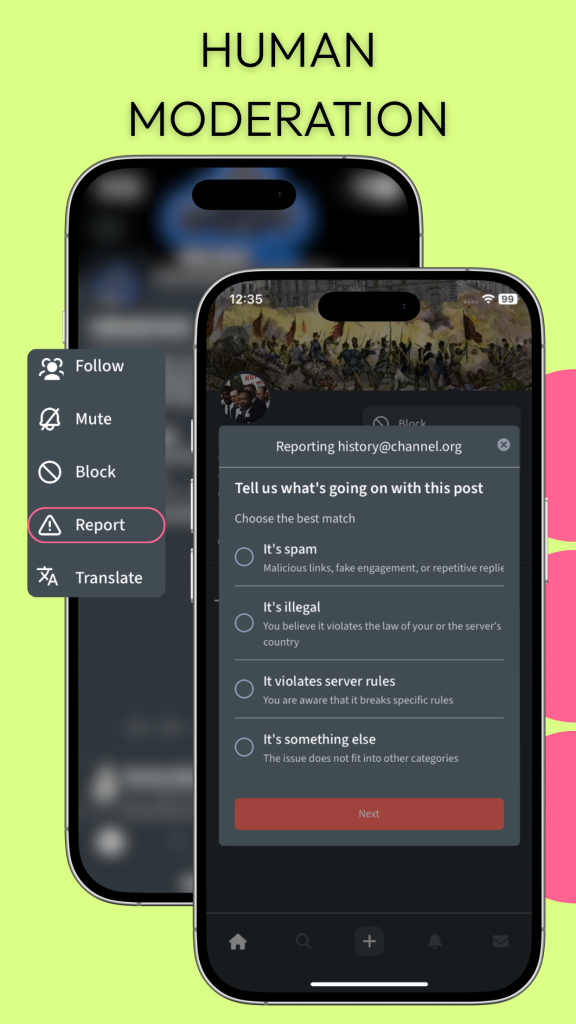
At this point, you’re ready to go, and you can interact on Mo-Me just like you do on other social networks: share links and photos, like and reply to people’s posts, boost them (the equivalent of resharing on Facebook or retweeting on Twitter). If you’ve got questions, just ask! There are a lot of helpful people here. (Of course, just like any other social network, some people aren’t friendly; if there are accounts you don’t want to deal with, you can use the three-dot menu at the bottom of any post to mute and block them – and report them if they’ve violated the community guidelines.)
But even though Mo-Me has the kind of functionality we’re all used to from other social networks, you’ll get a lot more out of it if you change your mindset. The good news is that you’ve already started doing that just by being here instead of malignant corporate social media. For many of us, taking an intentional approach to curating your experience – choosing which accounts and channels to follow, muting and blocking unpleasant accounts rather than arguing with trolls or having your blood pressure rise every time you see posts you don’t want to deal with – is another way to approach things differently.
Mo-Me’s goal of a safe and respectful community with a diversity of voices also encourages a different attitude than malignant social media. A couple of examples:
- If you unintentionally say something that’s somewhat racist, sexist, or anti-LGBTQIA2S+, it’s likely that somebody will call you in. If that happens, try not to be defensive; instead, treat it as a learning experience, apologize, and edit your post to remove the offending remark. (You can edit posts from the three-button menu at the bottom right.)
- When you sharing images, please take the time to put “alt text” descriptions for people using screenreaders. It really makes a difference; on social networks where most images have alt text, blind people and others using screenreaders don’t feel like second-class citizens. To do this, once you upload the image, click Edit, and put a short description in the field that says Place your ALT here. If you have a hard time doing this, or just don’t have the spoons, add the #AltText4Me hashtag, and with luck some helpful person will contribute it for you.
- Please don’t share or boost screenshots or videos of propaganda, hate speech, or disinformation – even if you’re trying to call attention to how bad it is or debunk it. Showing it to more people just helps the people trying to spread propaganda, hate, and lies!
There’s a lot more to explore …
This quick guide has only touched the surface of what you can do on Mo-Me. And, Mo-Me is only one of the many apps that are emerging as alternatives to malignant social media. With your Mo-Me account, you can interact with people using microblogging software like Mastodon, Bluesky, Blacksky, and GoToSocial, video software like PeerTube, reddit-like link aggregators like Piefed, and hundreds of other networks. It’s very very different than the siloed world of of malignant social media, where accounts on different networks can’t interact with each other.
These newer social media options are still very much a work in progress. On the one hand, that means they don’t have all the functionality of corporate social media yet, and sometimes the software is less polished. More positively, though, by joining at this early stage, you’re helping create a new and better social media ecosystem, one that doesn’t just reproduce all the malignancy. And if you’ve got the time and energy to get more involved and shape the future, there will be plenty of opportunities to contribute – follow the Media Revolution account to stay in the loop!